
Anker SOLIX / STORIES & APPLICATIONS
Keeping a home office connected
An outage arrived shortly before John S. started a new remote-work role.
- Brand
- Anker SOLIX
- Article type
- Owner story
- Setting
- Home backup
- Equipment
- F3800 + Home Power Panel
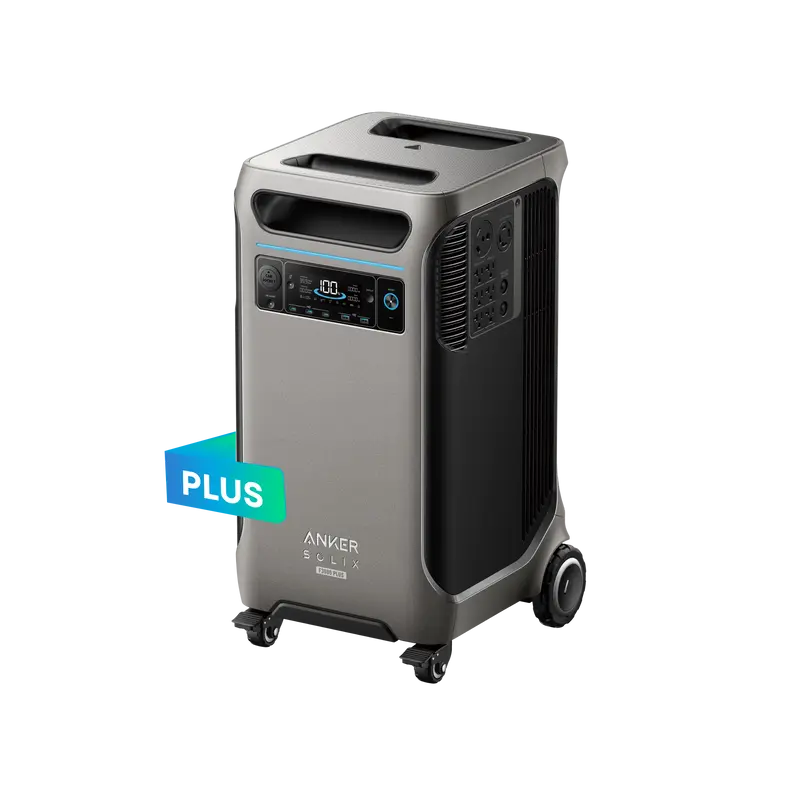
Cover: Equipment illustration · F3800.
The owner’s immediate need
In an Anker SOLIX owner account, John S. describes an outage shortly before starting a remote-work role. His setup used F3800 units with a Home Power Panel to support the network and work systems. He reports that those systems remained online when grid power failed.
What the published story establishes
This is a short owner testimonial about an installed setup. It does not provide a complete circuit schedule, measured load profile or standardized runtime test. It is useful as an example of a priority—keeping a work session connected—rather than a promise of identical performance in another home.
Define what staying connected means
DRT recommends listing the whole work chain: the computer, displays and local network equipment, plus any other device needed for the work itself. Identify which equipment must remain running and what interruption is acceptable. Decide how the household will know the system has transferred to backup and who will respond if the outage lasts longer than expected.
Evaluate the complete arrangement
Bring the equipment list and desired operating period to the system review. A battery’s capacity alone does not describe how the home connection behaves during a transfer. Have the appropriate installer assess the proposed circuit connection and test the completed arrangement against the intended use. Keep a simple operating record showing the supported equipment and normal charging plan. That turns an encouraging owner story into a specific, reviewable plan for your own workplace.