Your starting system
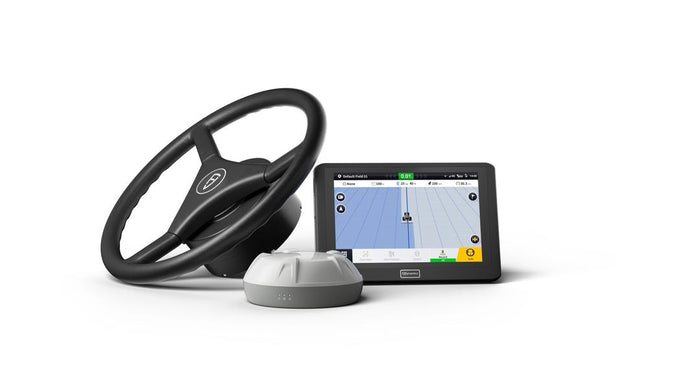
FJD AT2 Max
$7,699.00 USD
Choose the wheel, package and optional add-ons on the product page.
Configure & buy →
FJD AGRICULTURE / AT DRT
Precision for every pass.
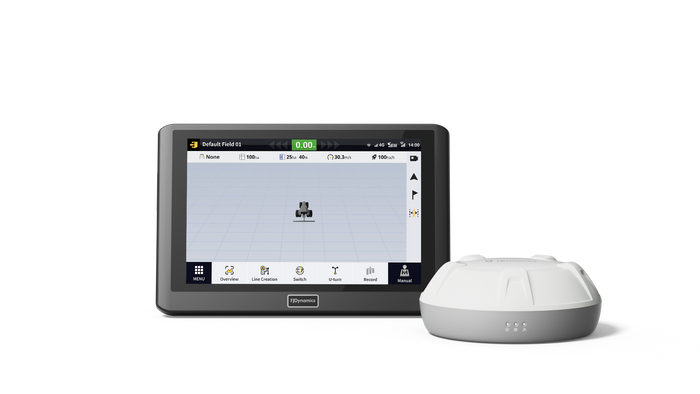
A larger view of guidance and implement control. Build your autosteering setup.

AUTONOMOUS ORCHARD WORK
A new way to work the rows.
An electric platform for orchard mowing and spraying. Explore FJD XBot and its working configurations.
NEW TO FJD?
Autosteering helps your tractor follow planned passes while you stay in control. Find a system, see the installation and get support for your setup.
START WITH YOUR TRACTOR
Tell us your tractor make and model. Choose “Not sure” if you do not know the steering setup.
Case references are not fitment approval. DRT confirms the year, regional specification and installation hardware.
Your starting system
$7,699.00 USD
Choose the wheel, package and optional add-ons on the product page.
Configure & buy →Your starting system
$6,799.00 USD
Choose the wheel, package and optional add-ons on the product page.
Configure & buy →Your starting system
$4,499.00 USD
Choose the wheel, package and optional add-ons on the product page.
Configure & buy →Your starting system
From $6,799.00 USD
Choose the wheel, package and optional add-ons on the product page.
Configure & buy →Your starting system
From $6,899.00 USD
Choose the wheel, package and optional add-ons on the product page.
Configure & buy →Your starting system
$2,499.00 USD
Choose the wheel, package and optional add-ons on the product page.
Configure & buy →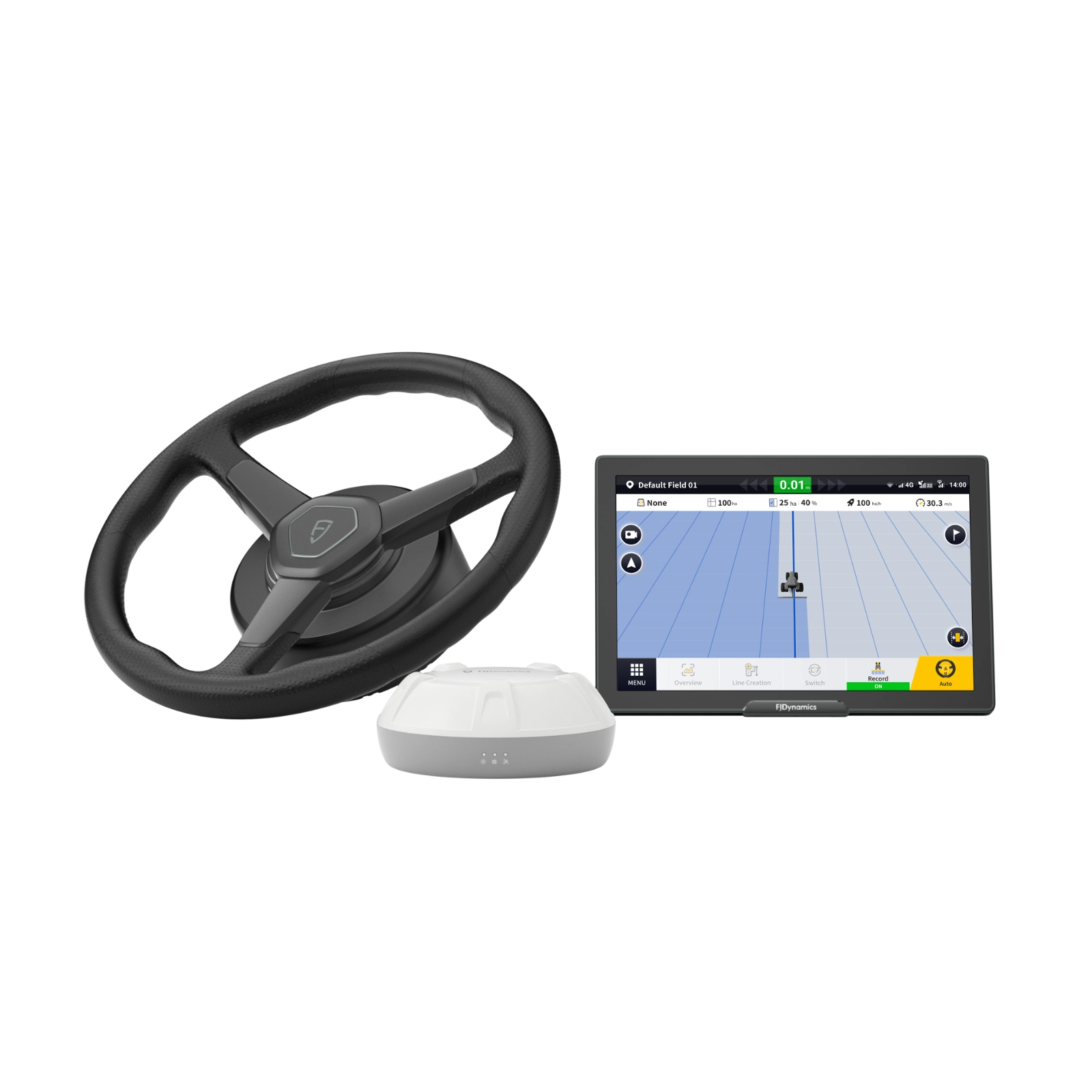
Model year not stated in the source.
System family to discuss
An electric steering-wheel installation needs a suitable wheel adapter and mounting. Compare AT2 Lite, AT2 and AT2 Max after machine fit is checked.
Based on the steering setup you selected. This is not a verified installation on your machine.
System family to discuss
Uses a supported existing steering interface. Confirm the exact CANBUS or non-CANBUS harness; a case using AS2 does not establish AS2 Max fitment.
Based on the steering setup you selected. This is not a verified installation on your machine.
System family to discuss
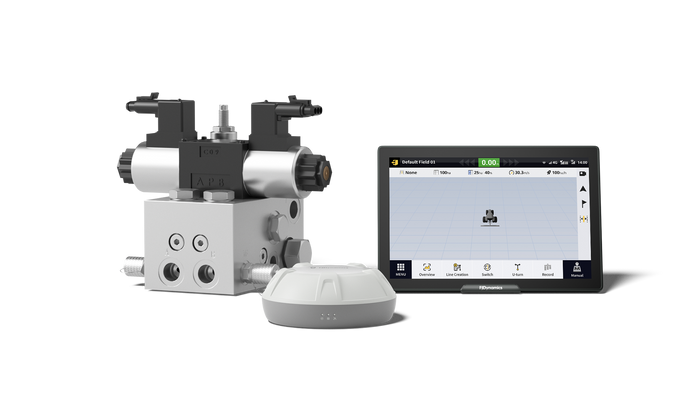
Keeps the original wheel while controlling steering hydraulics. Valve, flow, pressure and installation must be reviewed.
Based on the steering setup you selected. This is not a verified installation on your machine.
System family to discuss
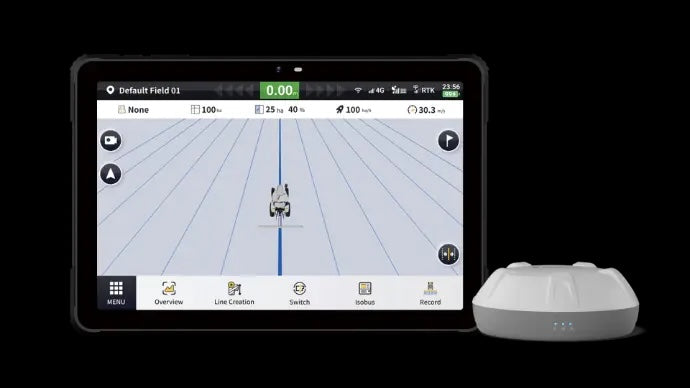
Shows guidance while the operator steers. It does not turn the steering wheel automatically.
Based on the steering setup you selected. This is not a verified installation on your machine.
Model year and regional specification · steering adapter or interface harness · correction source · installation and calibration.
FIND YOUR FIELD SOLUTION
ELECTRIC AUTOSTEERING
ESSENTIAL GUIDANCE
Start with the core autosteering functions. Review the exact package and supported options.
EVERYDAY FIELDWORK
Everyday field guidance with an electric steering wheel.
A LARGER VIEW
A 12.1-inch display for guidance and implement information.
SIDE-BY-SIDE BUYING GUIDE
Compare the display, installation route and optional features before choosing your setup.
AS2 uses a supported factory steering interface. AH2 uses a hydraulic-valve installation. The machine interface and installation hardware need to be confirmed before choosing either route.
STEER-READY
Autosteering for compatible steer-ready machines.
HYDRAULIC
Hydraulic steering control with your original wheel.
Machine fit, installation hardware and correction services vary by configuration. Confirm your setup with DRT before ordering.
FROM THE BOX TO THE FIELD
An English-language installation, chapter shortcuts and the right documents in one place.
Gierok Farms · Wisconsin, USA
A real farm installation covering the kit, hardware, wiring and calibration. FJD supplied the creator’s system. Use the guide for your exact tractor and hardware.
If YouTube changes the audio, choose Settings → Audio track → English (US) original.
AT2 Max product information ↗Watch on YouTube ↗Confirm the tractor model, year and steering route. Identify the adapter or interface harness before ordering.
Use the hardware guide for your system. Review the steering unit, receiver, display and wiring for that installation.
Connect a compatible correction source, enter machine settings and complete calibration before field use.
Match the hardware and software edition to your equipment.
AT2 Max documents include a packing list and software guide. The listed AT2 hardware manual is a reference; confirm its applicability to your Max setup.
Open guides for this system →Find the AT2 hardware manual, software setup guide and packing list.
Open guides for this system →Find the AT2 Lite installation and operation manual, packing list and product overview. Confirm the hardware generation.
Open guides for this system →Choose a machine-specific AS2 guide. Model year and CANBUS or non-CANBUS interface affect the harness and procedure.
Open guides for this system →Choose the correct valve guide: open-center, 30 L or 60 L closed-center. Have the hydraulic circuit checked before installation.
Open guides for this system →Manufacturer installation references, with the tractor and installed system identified. Open the source for the full record.
Match the full model name, including any suffix. Only the reviewed model-specific records below are used for case matching.

Ireland · AT2
Photo from this FJD case
Christmas tree plantingAT2 installation on a Farmall 115 for planting Christmas trees.
Read the FJD case ↗Twins’ Farm installation · AT2 Max
Product illustration · see source for installation details
Electric autosteering installationFJD’s AT2 Max product page features a Twins’ Farm installation on a John Deere 5720.
Read the FJD case ↗
United Kingdom · AS2
Product illustration · see source for installation details
Electro-hydraulic / CANBUSAS2 tested with the M7-173 Premium electro-hydraulic CANBUS interface.
Read the FJD case ↗France · AS2
Product illustration · see source for installation details
Non-CANBUS integrationAS2 installation retained the original wheel and used a pressure sensor and harness.
Read the FJD case ↗Bulgaria · AS2
Product illustration · see source for installation details
CANBUS integrationAS2 tested on the T7.270 with a CANBUS interface.
Read the FJD case ↗Netherlands · AS2
Product illustration · see source for installation details
Non-CANBUS / LS valveAS2 tested with non-CANBUS hydraulics and Trimble LS valve calibration.
Read the FJD case ↗South Korea · AS2
Product illustration · see source for installation details
CANBUS integrationAS2 tested on an 828 Vario with CANBUS.
Read the FJD case ↗
France · AT2 Max + ATS-C
Photo from this FJD case
Spraying & section controlA French farm paired AT2 Max, ATS-C and ISOBUS for application work. The tractor model is not stated.
Read the FJD case ↗
Japan · AT2 Max
Photo from this FJD case
Rice fieldwork & installationA rice farmer documented AT2 Max installation and guided straight passes, with manual turns at field edges. The tractor model is not stated.
Read the FJD case ↗No case in this selection. Ask DRT to review your exact machine.
FJD manufacturer references, not DRT customer projects. Case photos and product illustrations are labeled separately. A model-name match does not confirm your year, regional specification, harness or optional features.
All FJD user cases ↗The selected product page lists the package contents and optional add-ons. Confirm whether your configuration includes the machine adapter, correction service, feature activations and installation service. Only the items you select are added to your cart.
Not always. A compatible network RTK service may provide corrections through an internet connection. A radio base station is another option. Check local coverage and compatibility before adding a base station.
Some electric-wheel systems have documented owner installations. Review the exact hardware guide and confirm the adapter, mounting and calibration requirements first. Steer-ready and hydraulic systems require additional interface or valve checks.
FJD systems include a 2-year warranty. Keep your proof of purchase and product serial number for warranty service.
Choose “Not sure” in the system finder. Provide your tractor make, exact model and year. If needed, DRT can ask for photos of the steering wheel, cab controls or existing guidance equipment.
No. An autosteering retrofit assists steering while the operator remains responsible for monitoring and control. Follow the operating instructions for your system.
Choose a system, review the package and add only the extras you need.