


H3C
From $2,499.00 USD4 configurationsSelect options
BAMBU LAB


BAMBU LAB New
Free shipping
Optional add-ons. Choose colors, options and quantities, then add everything to your cart.
Add-ons subtotal
The H3C changes PrintTools while each material stays loaded in its own path. The enclosed AMS 3H manages filament above the printer, and a dedicated 2.85 mm tool feeds soft TPU. The usable build volume is 330 × 320 × 325 mm.
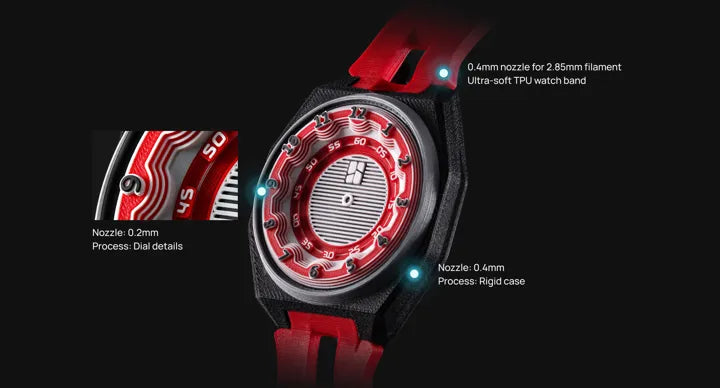
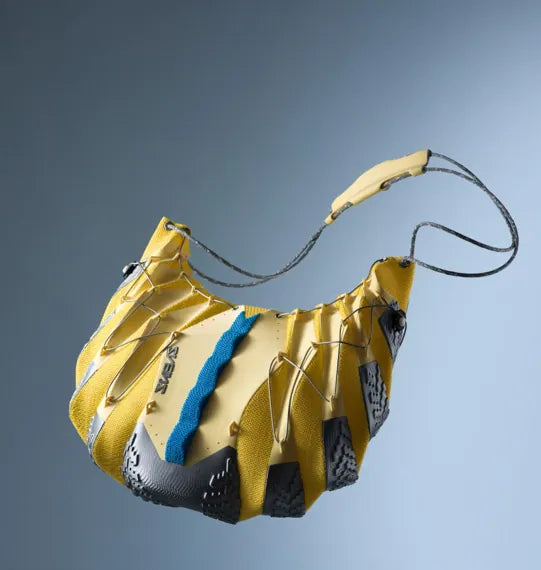
A fine nozzle can print small markings while a wider nozzle builds larger sections. Mixed-diameter projects require the matching PrintTools and slicer settings.
The FlexFeed system accommodates 1.75 mm filament and a separate 2.85 mm path. The wider filament path helps soft 75A TPU resist buckling on its way to the nozzle.
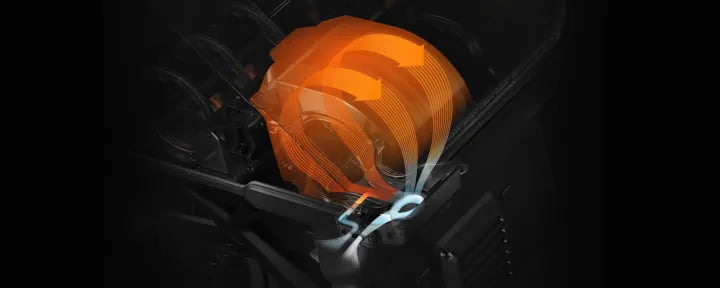
Two dedicated positions provide active drying. That lets you prepare moisture-sensitive filament while the other material positions remain available for storage and feeding.

Includes the printer, AMS 3H, plate and nine 0.4 mm PrintTools.

Adds black TPU 75A and the five-spool PLA Palette CMYKW set.

Adds cyan TPU 75A and the five-spool PLA Palette CMYKW set.

Adds Bambu Station L FRAME Edition, black TPU 75A and PLA Palette CMYKW.
Selected configuration · H3C Combo
 Bambu Lab H3C
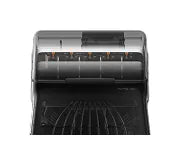 AMS 3H
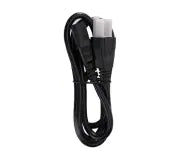 Printer Power Cord
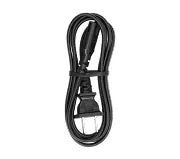 Dryer Module Power Cord
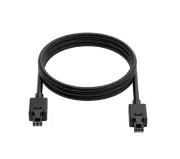 6-pin Bambu Bus cable
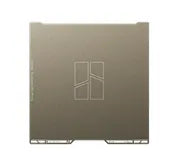 Textured PEI Build Plate
 8 × Standard 0.4 mm PrintTool
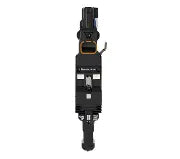 0.4 mm PrintTool for 2.85 mm filament
 Accessories Box
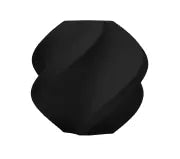 Black TPU 75A
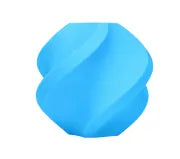 Cyan TPU 75A
 Bambu PLA Palette CMYKW
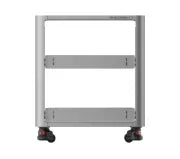 Bambu Station L FRAME Edition
Every configuration includes the H3C, AMS 3H, textured PEI build plate, nine 0.4 mm PrintTools, the listed power and bus cables, and an accessories box.
Eight supplied PrintTools use standard 1.75 mm filament. The ninth has a dedicated 2.85 mm filament path. All nine supplied tools have 0.4 mm nozzle openings.
The TPU + CMYKW pack adds black TPU 75A and the five-spool PLA Palette. The Colourful TPU + CMYKW pack pairs cyan TPU 75A with the same PLA Palette.
The Full Combo adds Bambu Station L FRAME Edition, black TPU 75A and the PLA Palette CMYKW set alongside the standard H3C Combo equipment.
The AMS 3H has nine material positions and two active drying positions. Select the drying temperature and time recommended for the spool.
The watch uses a 40.5 mm movement kit. Bambu specifies three 0.2 mm hardened steel hotends for printing the model. These are separate accessories; the printer ships with 0.4 mm PrintTools.
The H2D Pro combines a high-temperature dual-nozzle print system with wired Ethernet, enterprise wireless authentication and a physical Wi-Fi switch. Request a DRT quote for the professional package and your deployment requirements.
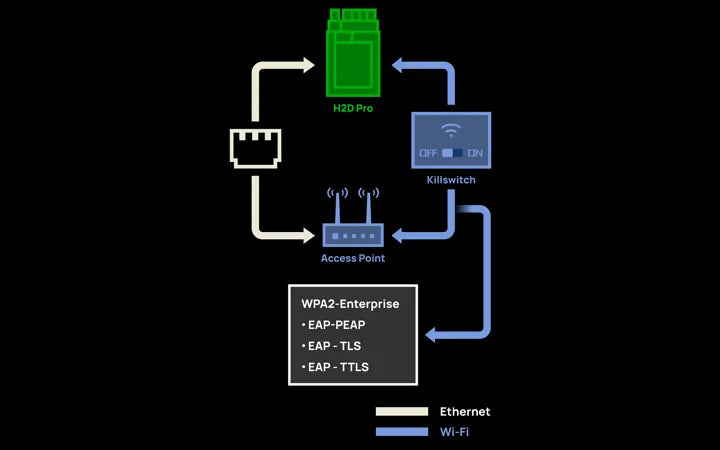
Use Ethernet where radio traffic is crowded, or connect over WPA2-Enterprise Wi-Fi. A physical switch lets the administrator turn wireless access off.
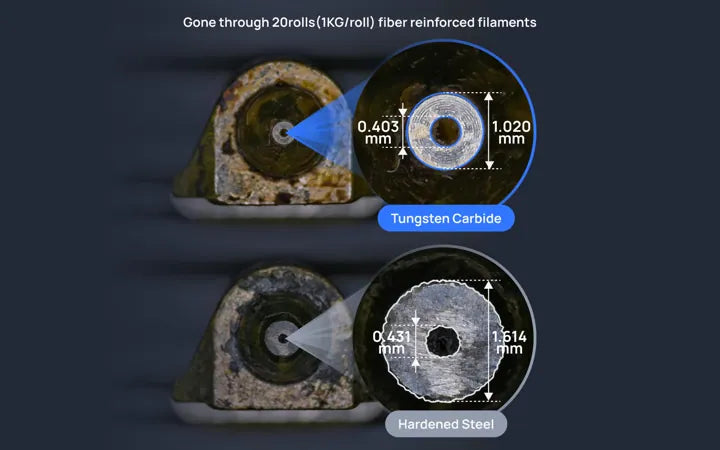
Tungsten carbide nozzles resist abrasion from fiber-filled filament. The 350°C nozzle and actively heated chamber support the higher temperatures these materials may require.
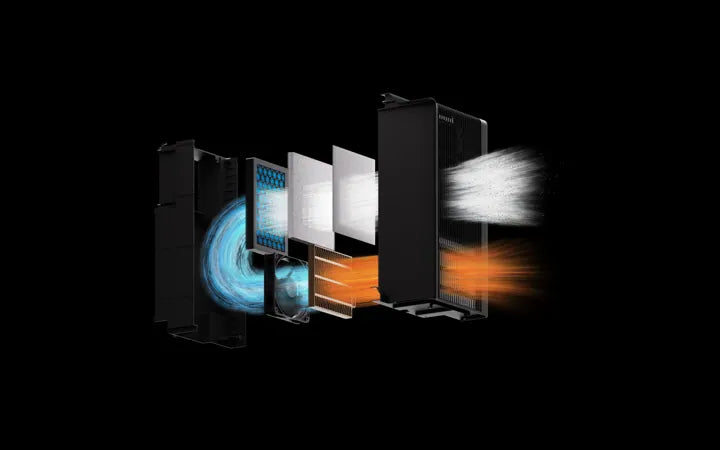
A G3 pre-filter, H12 HEPA filter and activated carbon stage treat the air stream. The stages address particulates and odors through different filter media.
Included in the H2D Pro professional package.
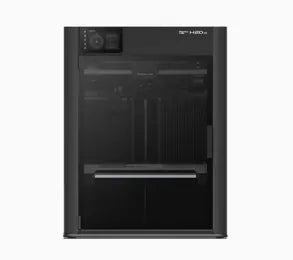 H2D Pro printer
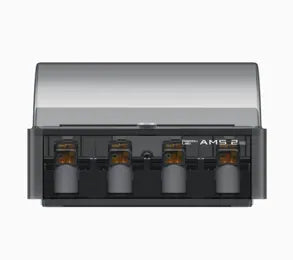 AMS 2 Pro
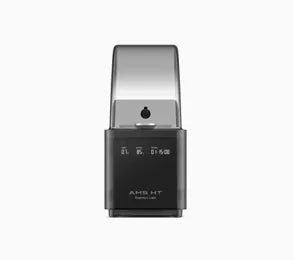 AMS HT
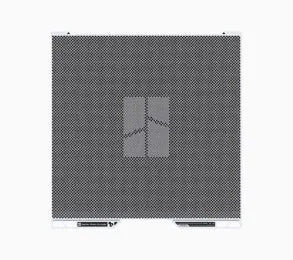 Vision encoder plate
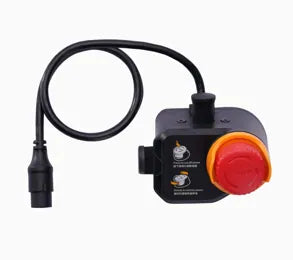 Emergency stop button
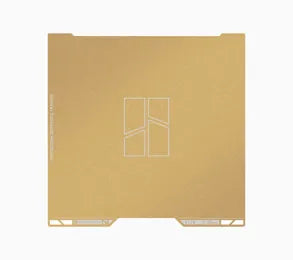 Textured PEI build plate
Yes. The printer has an Ethernet port and a physical Wi-Fi switch. For wireless deployments, it supports WPA2-Enterprise with EAP-PEAP, EAP-TLS or EAP-TTLS authentication.
Fiber-reinforced filaments can wear nozzle surfaces during repeated use. Tungsten carbide supplies a wear-resistant surface for that workload. Choose the filament profile and nozzle opening specified for your material.
The H2D Pro package includes both AMS 2 Pro and AMS HT. It also includes a vision encoder plate, emergency stop button and textured PEI build plate.
The plate provides an optical reference for calibrating toolhead motion across the build area. Use it for calibration and use the supplied textured PEI plate for printing.
Use the DRT quote form on this page. Include your quantity, intended materials, network requirements and any deployment questions so the sales team can quote the right package.
BAMBU LAB AT DRT
Personal help choosing your setup, getting started and planning your next project.
Match your printer, AMS and materials to what you want to make.
Get selection helpRequest guided help with setup, Bambu Studio and your first print.
Request setup helpPlan printers, materials and training around your team or classroom.
Request a project quoteGet help identifying an issue and preparing a manufacturer support request.
Contact DRT support