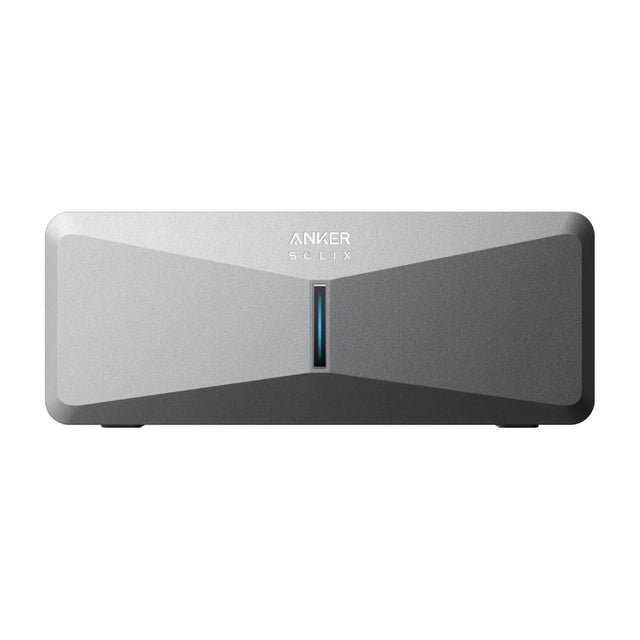
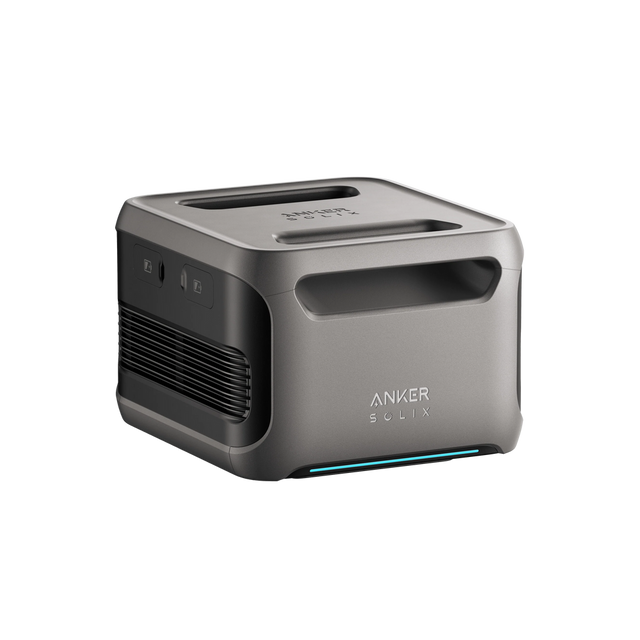
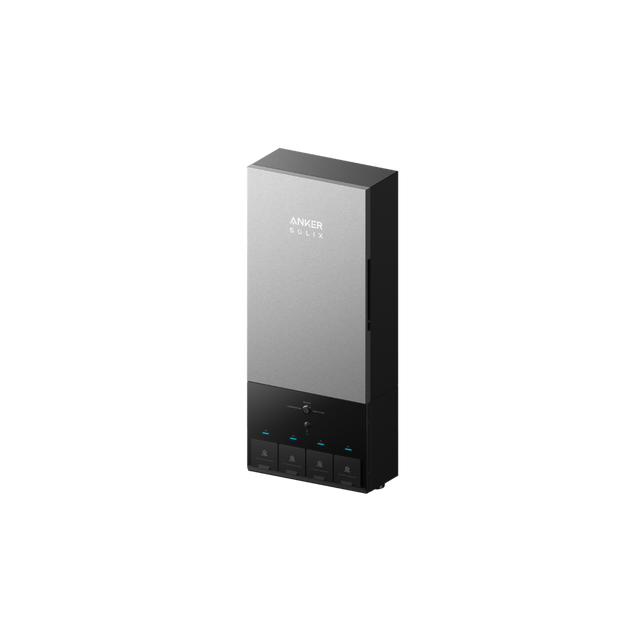
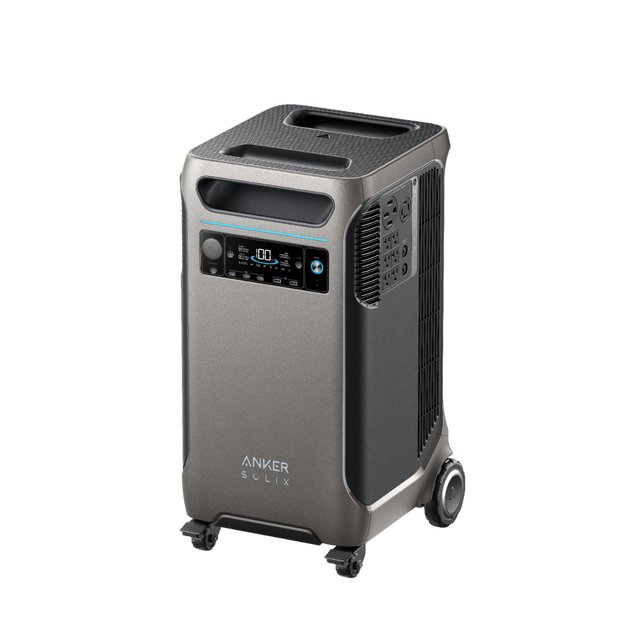
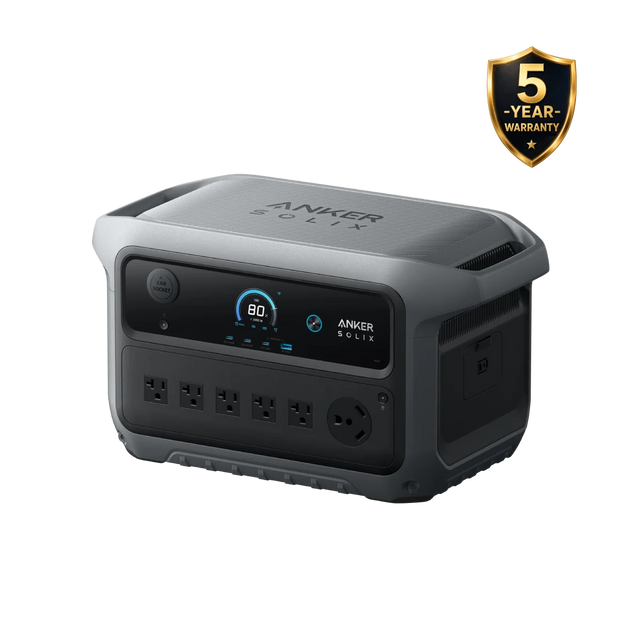
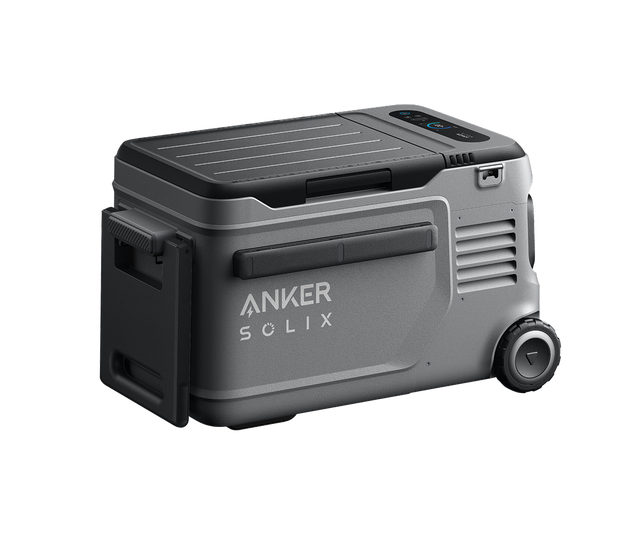
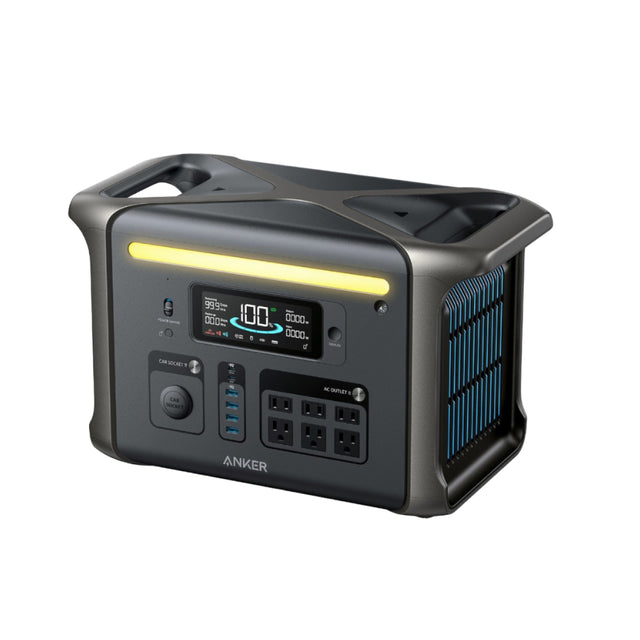
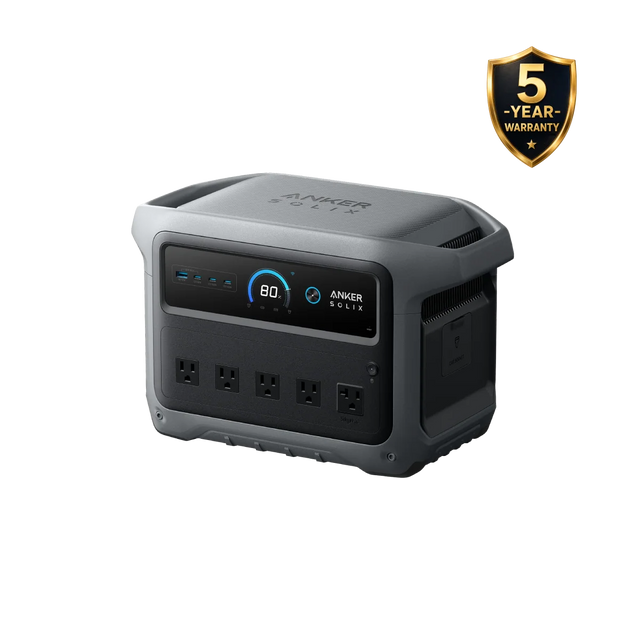
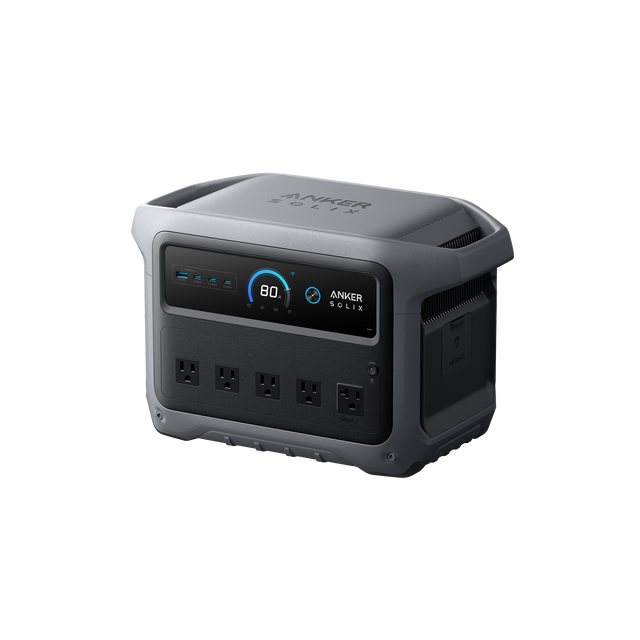
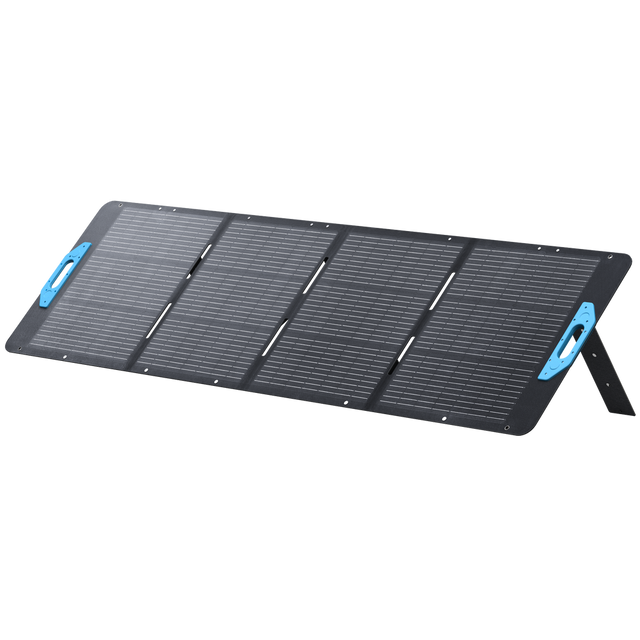
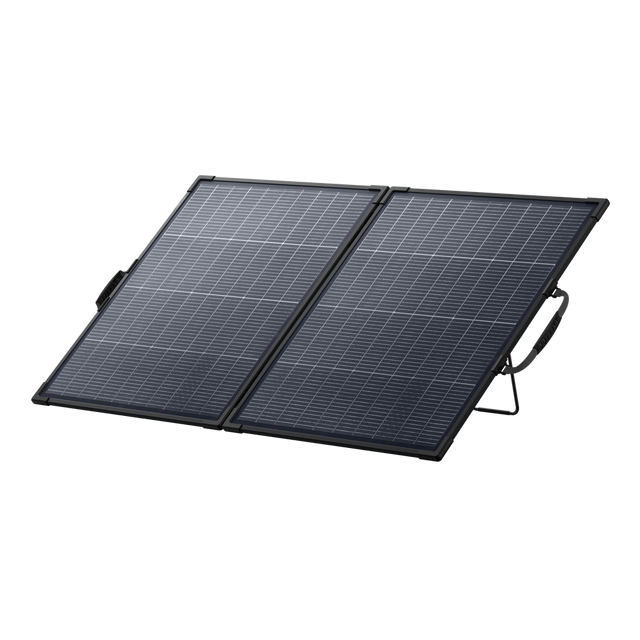
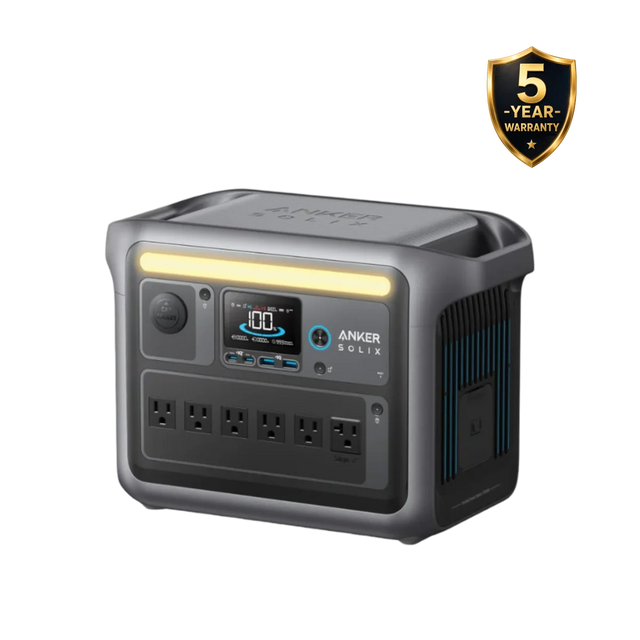
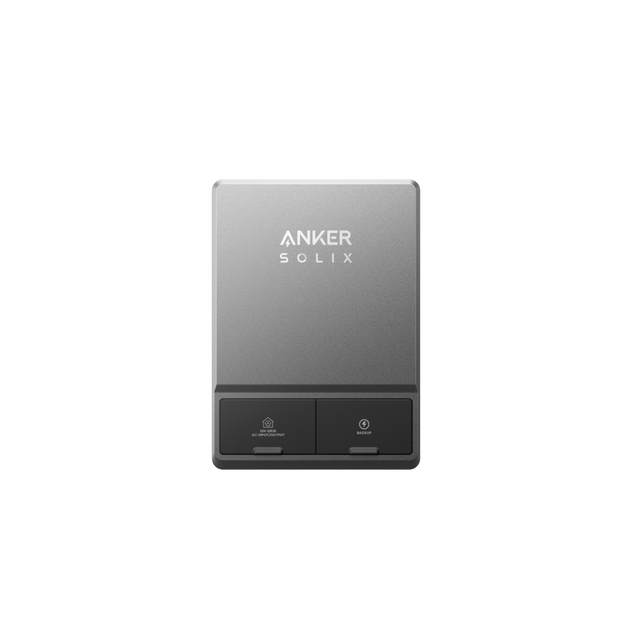
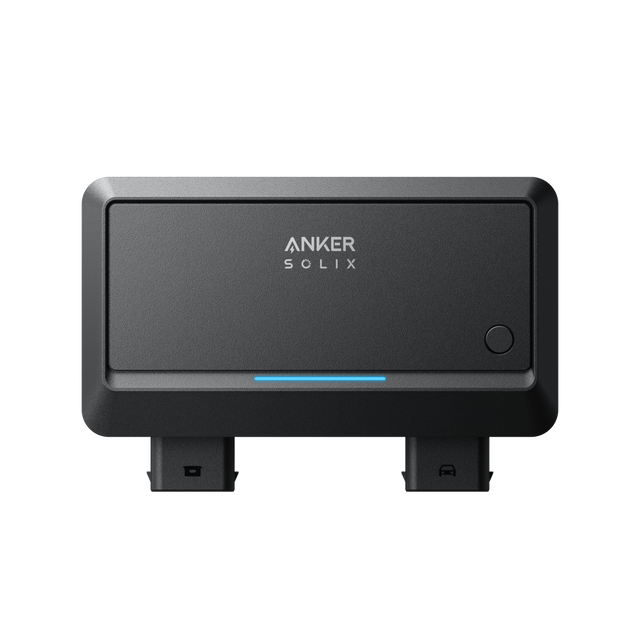
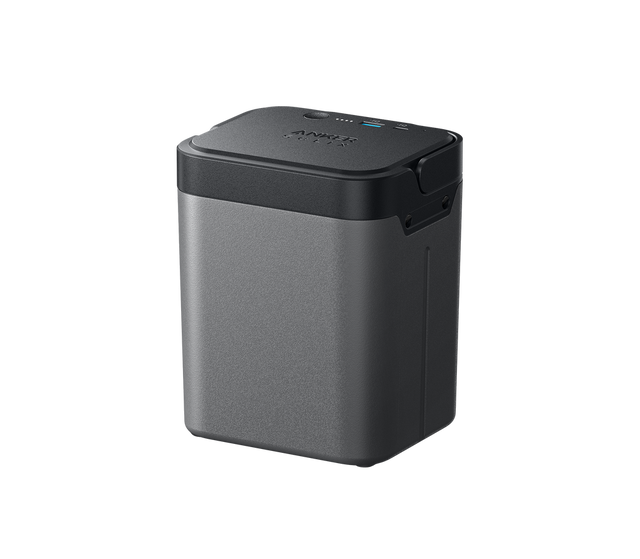
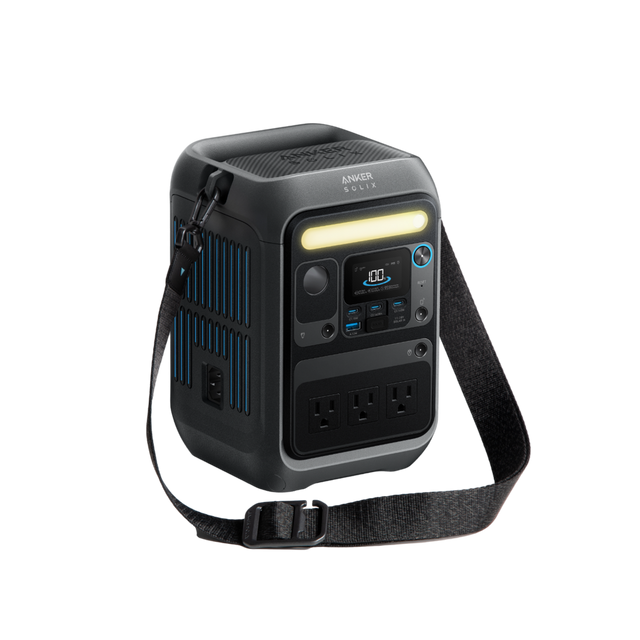
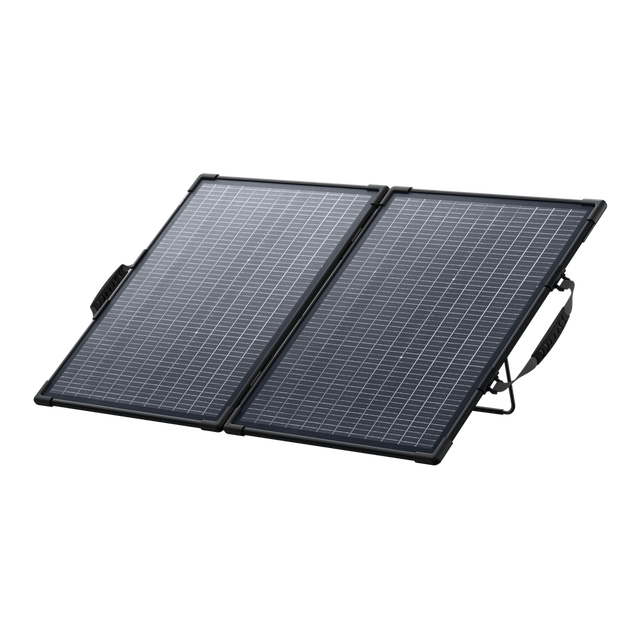
Anker SOLIX Refurbished

ANKER SOLIX SETUPS

Power for everyday life.

Browse all products
Home backup

Home essentials, covered.

For refrigerators, lights and your home office.

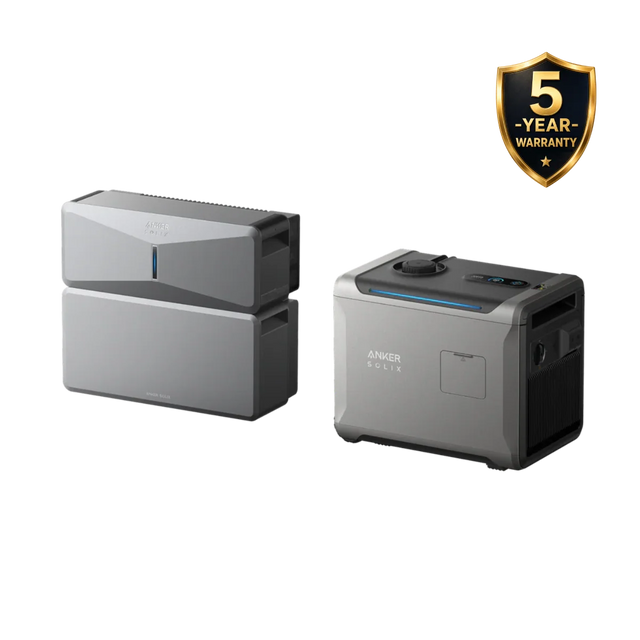
7,680Wh capacity6,000W AC

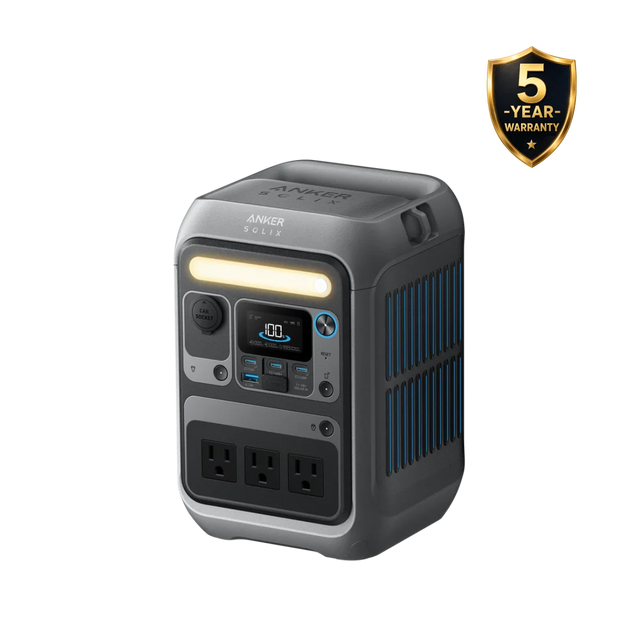
F3800 Plus + BP3800

  • F3800 Plus power station
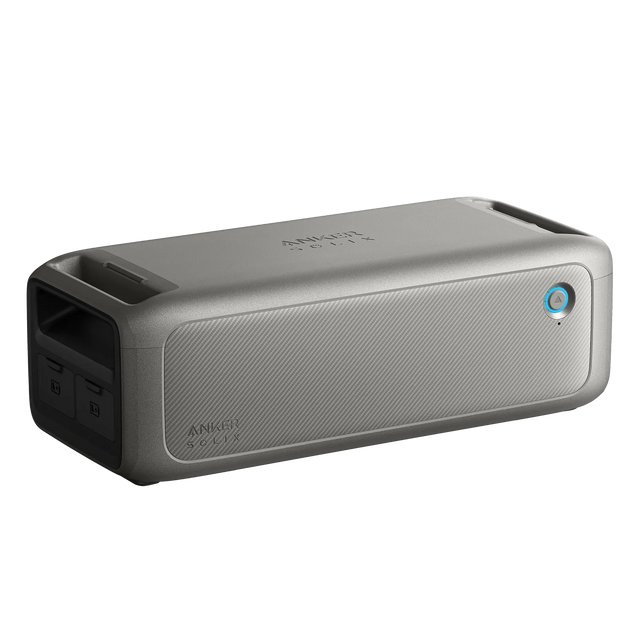
  • BP3800 expansion battery

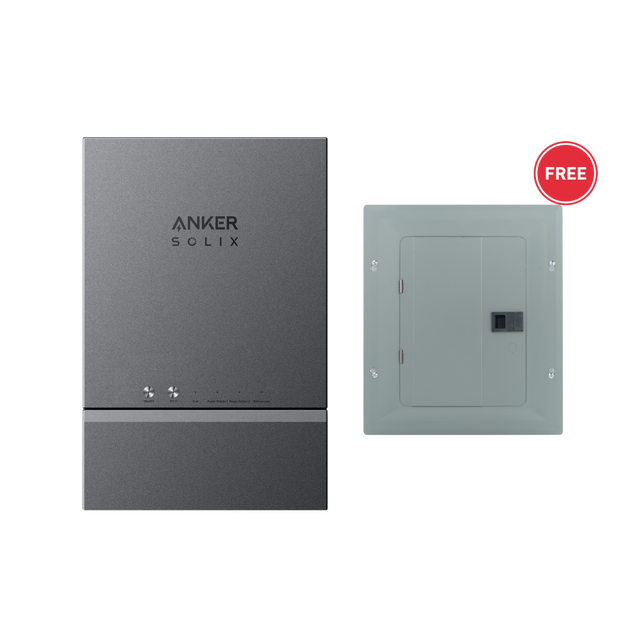
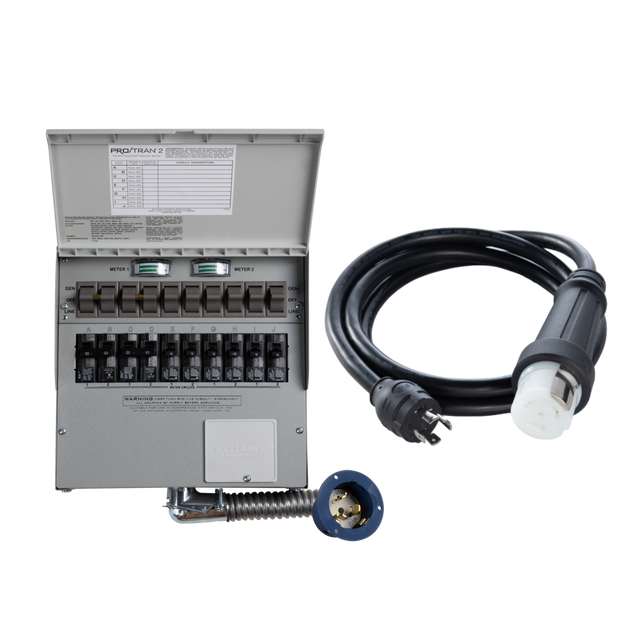
A home circuit connection requires compatible equipment and professional installation.

Camping & weekends

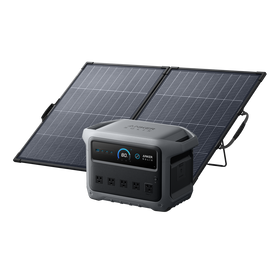
Pack power. Add sunshine.

For phones, camp lighting and small appliances.

1,024Wh capacity200W solar

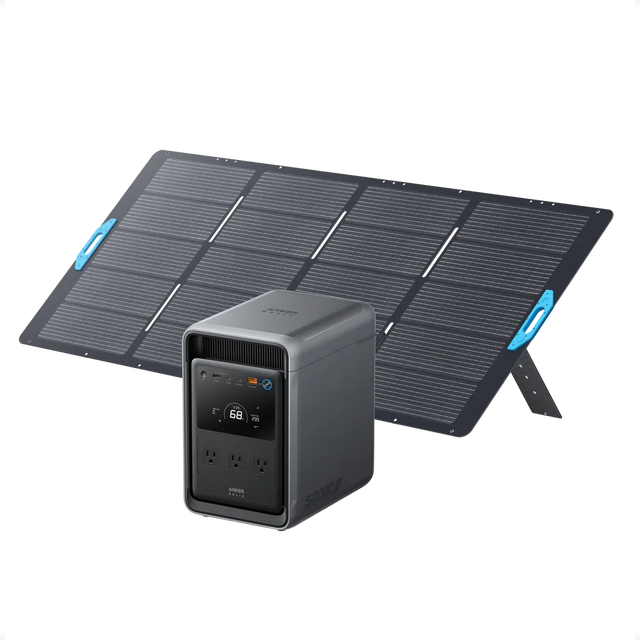
C1000 Gen 2 + PS200

  • C1000 Gen 2 power station
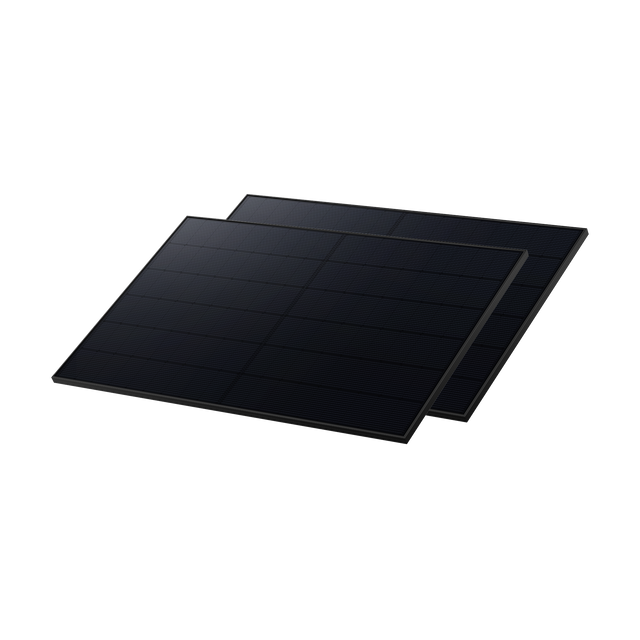
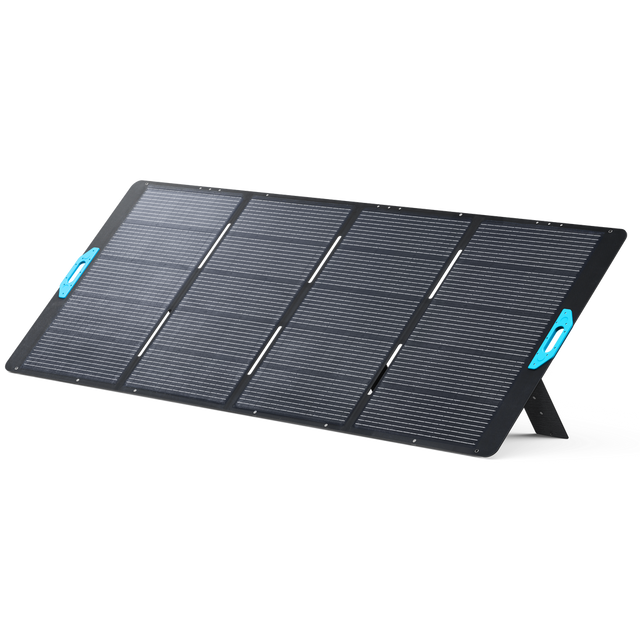
  • PS200 bifacial solar panel

Solar charging varies with sunlight and panel placement.

DIY & work projects

Power through the workday.

For compatible power tools, laptops and camera gear.

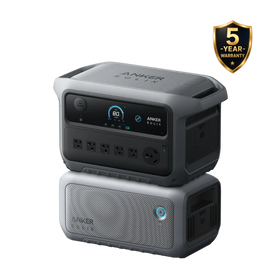
4,096Wh capacity2,400W AC

C2000 Gen 2 + BP2000

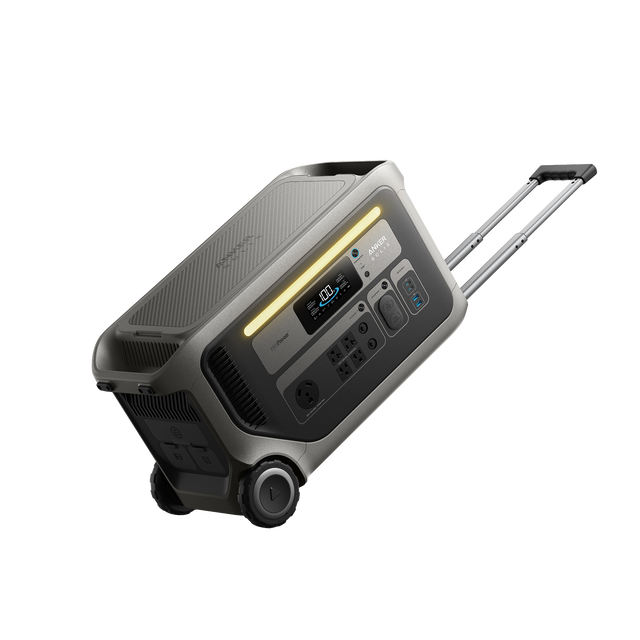
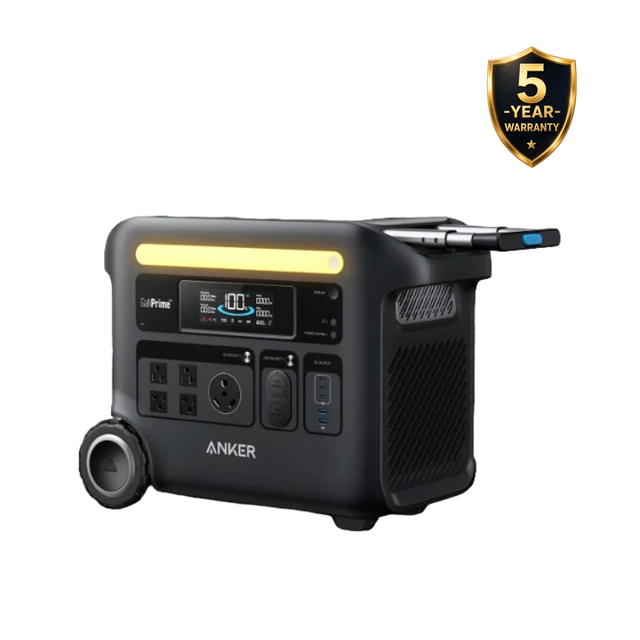
  • C2000 Gen 2 power station
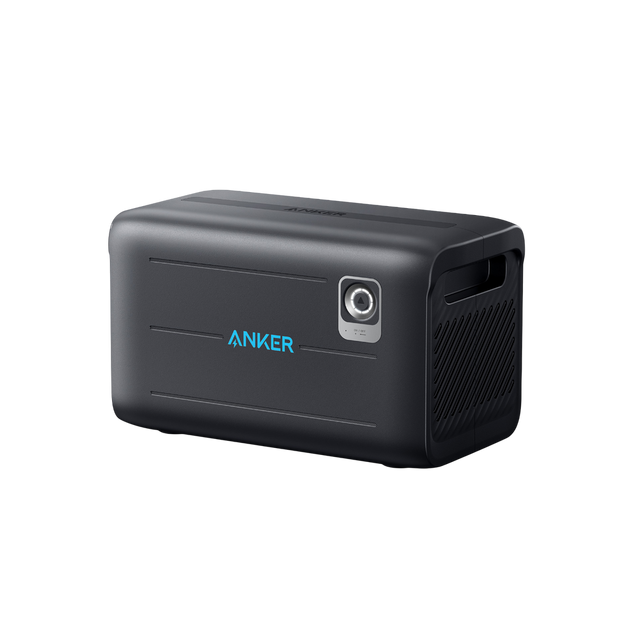
  • BP2000 Gen 2 expansion battery

Match the total running load and starting surge to the station.

DRT POWER SOLUTIONS

Power for the way you work.

Explore three practical setups for fixed sites, mobile response and creative work.

DRT POWER SOLUTIONS
Illustrative fixed DJI Dock 3 site with S5000, BP5000 and a dedicated folding solar panelIllustrative scene

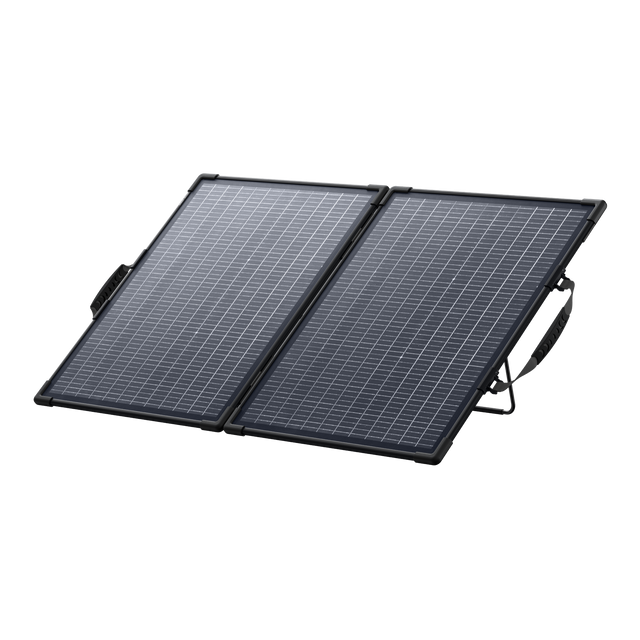
DJI Dock 3 + S5000 + BP5000 + 400W solar

Dock 3. Powered by more.

Plan a fixed monitoring point with stored energy and daytime solar recharging. This selection pairs Dock 3 with an S5000, one BP5000 expansion battery and one 400W folding solar panel.

10,048Wh storage · 400W solar panel

See why the pairing works

Capture daylight01

Capture daylight

The included 400W panel replenishes the S5000 in sunlight. Actual solar output varies with weather, orientation and shading.

Store energy for later02

Store energy for later

S5000 + BP5000 provide 10,048Wh nominal capacity. Stored energy supports the dock when solar production falls.

Power the fixed site03

Power the fixed site

Dock 3 accepts 100–240V AC, up to 800W. A qualified installer must design its protected AC supply and grounding.

Your power setup, at a glance

  1. 01 400W solar panel 400W solar panelDaytime recharging
  2. 02 S5000 + BP5000 S5000 + BP500010,048Wh storage · 120V AC
  3. 03 Protected site supplyInstaller-designed wiring and grounding
  4. 04 DJI Dock 3 DJI Dock 3Dock systems and aircraft charging

Solar replenishes the battery. Available sunlight and daily consumption determine how long the site can operate.

Your selected equipment

Included in this selection: 1 × Dock 3; 1 × S5000; 1 × BP5000; 1 × 400W solar panel; manufacturer-supplied standard accessories.

Before you get started

Solar supplements stored energy; one 400W panel does not guarantee 24/7 off-grid operation. Size the system for daily dock consumption, flight frequency and local sunlight. Matrice 4D/4TD aircraft, installation, site cabling, grounding, circuit protection, weather protection and network service are separate. Keep the power station and battery dry and ventilated.

Discuss site installation with DRT ↗

DRT-selected combinations based on published electrical specifications. Real-world runtime depends on load, conditions and settings. These are DRT recommendations, not manufacturer co-branded or jointly certified systems.

Manufacturer specifications:DJI ↗Anker SOLIX ↗
Equipment total$20,889.99 USDTaxes and shipping calculated at checkout.

DRT POWER SOLUTIONS
Illustrative mountain rescue command point with Matrice 4T, four flight batteries and Anker S2000Illustrative scene

DJI Matrice 4T + Anker S2000

A mobile base for every search.

Build a mobile command point at the trailhead. Review thermal imagery, rotate four flight batteries and power the original DJI charging equipment from S2000 between search missions.

2,010Wh storage · 4 flight batteries

See why the pairing works

Deploy at the trailhead01

Deploy at the trailhead

Bring the aircraft, controller and charging equipment to the team’s temporary base. The setup moves with the operation.

Power the ground team02

Power the ground team

S2000 provides 2,010Wh storage and 1,500W rated AC output for original DJI charging equipment and compatible field electronics.

Rotate four flight batteries03

Rotate four flight batteries

One standard battery plus three extras support a planned rotation. The DJI hub charges batteries sequentially.

Your power setup, at a glance

  1. 01 Anker SOLIX S2000 Anker SOLIX S2000120V AC output
  2. 02 DJI adapter + charging hubOriginal charging equipment
  3. 03 Matrice 4 batteriesCharge sequentially, then rotate

Your selected equipment

Included in this selection: 1 × Matrice 4T; 1 × RC Plus 2 Enterprise; 4 × flight batteries total; DJI charging hub, standard adapter, case, cables and accessories; 1 × S2000 with AC charging cable.

Before you get started

Use the compatible original DJI adapter and hub; do not connect the station directly to a flight battery. Keep equipment dry, observe the battery charging temperature limits and recharge the station as needed. Solar panels and additional field electronics are not included.

DRT-selected combinations based on published electrical specifications. Real-world runtime depends on load, conditions and settings. These are DRT recommendations, not manufacturer co-branded or jointly certified systems.
Manufacturer specifications:DJI ↗Anker SOLIX ↗
Equipment total$8,399.00 USDTaxes and shipping calculated at checkout.

DRT POWER SOLUTIONS
Illustrative workshop with Bambu P1S, Anker C1000 Gen 2 and PS200 solar panelIllustrative scene

Bambu P1S + C1000 Gen 2 + PS200

Power your next print.

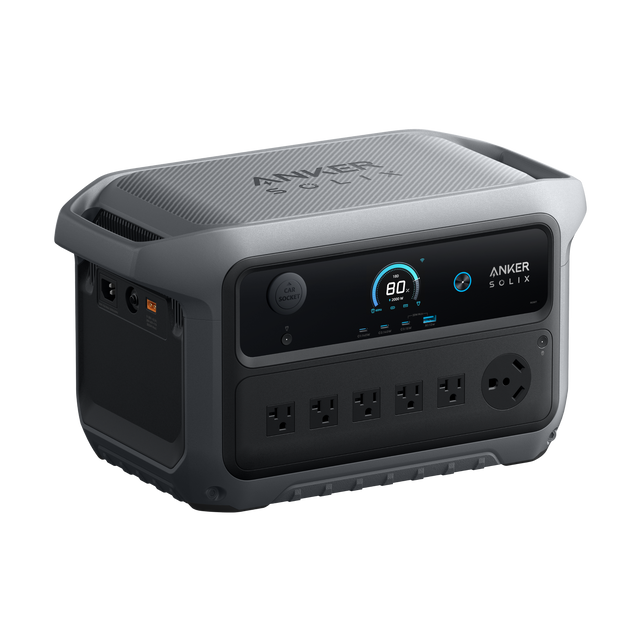
Set up a printing station where a wall outlet is inconvenient. DRT pairs the printer-only P1S with the C1000 Gen 2 + PS200 kit: the station powers the printer, while the panel replenishes the station in sunlight.

1,024Wh storage · 200W solar panel

See why the pairing works

Power for printer warm-up01

Power for printer warm-up

C1000 Gen 2 supplies 2,000W rated AC output. Bambu lists P1S input at 100–240V AC and maximum demand of 350W at 110V / 1,000W at 220V. Use the station’s US 120V outlet and the printer’s original cord.

The battery does the work02

The battery does the work

The station’s 1,024Wh battery supplies the printer as its load changes. Choose jobs that fit the available charge; heating, material, settings and other devices affect runtime.

Solar adds flexibility03

Solar adds flexibility

The matched 200W PS200 kit adds solar recharging. Output depends on sunlight and may be lower than the printer’s demand; solar does not guarantee continuous printing.

Your power setup, at a glance

  1. 01 PS200 solar panel PS200 solar panelSunlight replenishes the station
  2. 02 C1000 Gen 2 C1000 Gen 2Battery storage / 120V AC output
  3. 03 Bambu Lab P1S Bambu Lab P1SConnect the original AC power cord

Your selected equipment

Included in this selection: 1 × P1S printer with standard accessories; 1 × C1000 Gen 2 power station; 1 × PS200 solar panel; standard cables supplied with the selected Anker kit. AMS is not included.

Before you get started

Place the printer on a stable, dry, ventilated surface and follow Bambu’s setup instructions. Keep the printer and station protected from rain; position the solar panel in sunlight. Filament beyond any factory sample, a laptop and other workshop equipment are separate. No uninterrupted-print or fixed-runtime guarantee is implied.

DRT-selected combinations based on published electrical specifications. Real-world runtime depends on load, conditions and settings. These are DRT recommendations, not manufacturer co-branded or jointly certified systems.

Manufacturer specifications:Bambu Lab ↗Anker SOLIX ↗
Equipment total$1,148.99 USDTaxes and shipping calculated at checkout.

The Anker SOLIX collection

Compare the model. Choose the configuration. Build your setup.

DRT SUPPORT

A clearer path to the right setup.

Bring us your equipment list, running time and installation questions. DRT can help you compare the next steps.
Get configuration help ↗