
Mount and capture
A magnetic phone mount simplifies setup.
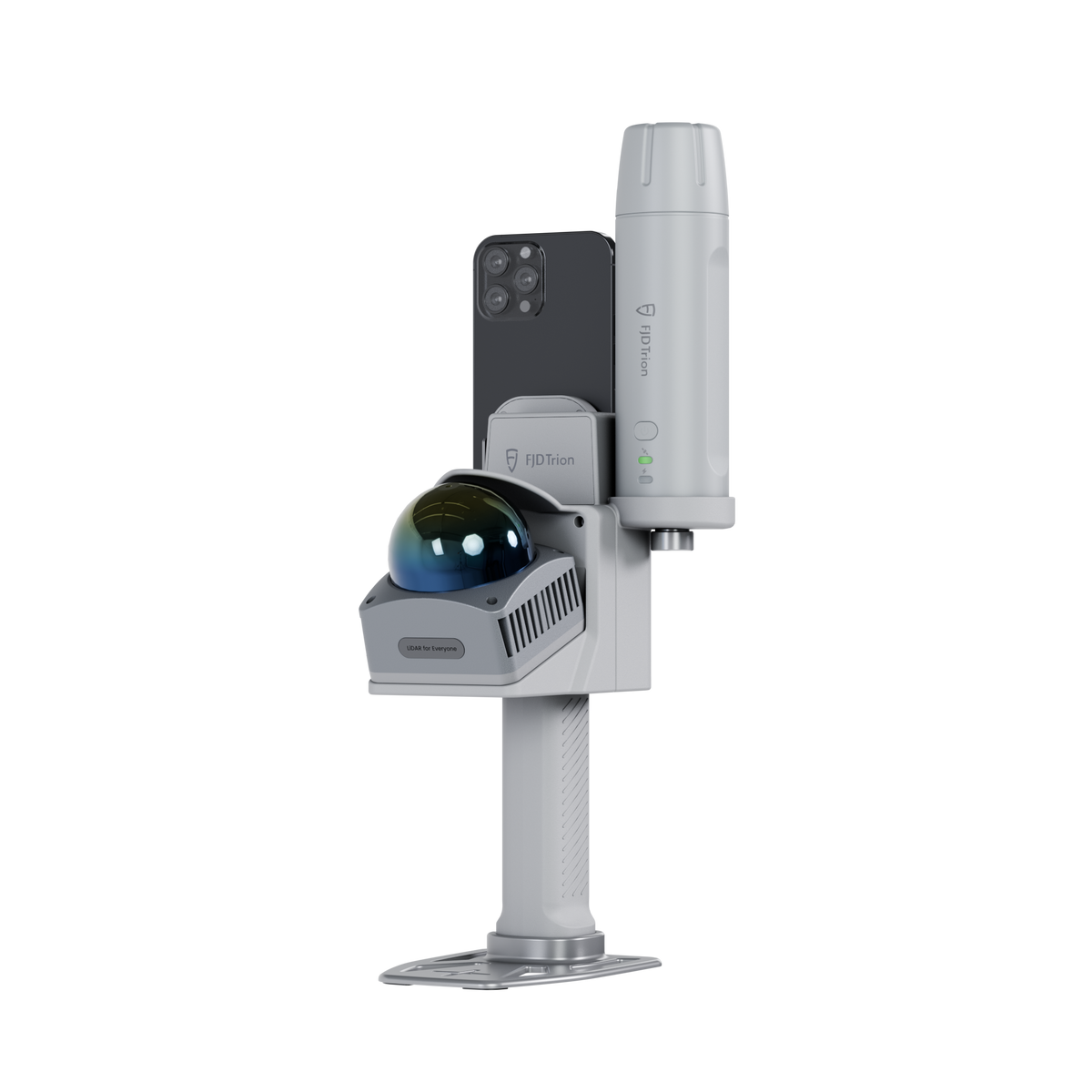
Images may show optional equipment or manufacturer software bundles. Confirm DRT package contents and license inclusion in the selected configuration.
LiDAR scanners
Phone-based indoor and outdoor 3D capture. Review compatible phones, positioning options and software at DRT.
2-year warrantyRequest the exact package, current availability and license options for your project.
Request a configuration ↗Overview


Manufacturer illustrations may show optional equipment, software or a particular edition. The selected package determines what is included.
A magnetic phone mount simplifies setup.
Creative for floor plans, or Scan and Model Web for broader point-cloud work.
Confirm the GNSS receiver and correction source for outdoor work.
Specifications
Manufacturer lists iPhone 15+, Galaxy S25+, Pixel 10+ and selected OPPO models; scanning and colorization support differ. iPhone e / Air models are excluded. DRT must confirm the exact model.
Software, corrections, mounts and third-party devices are included only when expressly listed in the selected package.
Manufacturer specifications ↗Software & licenses
Review each option and request the licenses you need below. Paid software is not automatically included with hardware.

Software & licenses
Point-cloud processing from capture to deliverable.
Price on request View details
Software & licenses
Process, review and share in the browser.
Price on request View details
Software & licenses
A browser workspace for floor plans.
Price on request View detailsBEFORE YOU ORDER
Manufacturer lists iPhone 15+, Galaxy S25+, Pixel 10+ and selected OPPO models; scanning and colorization support differ. iPhone e / Air models are excluded. DRT must confirm the exact model.
2-year warrantyFind setup guides ↓Use the selected configuration name and included-equipment notes above. Camera, GNSS and mount options differ by kit. Optional accessories and software are separate unless the package explicitly includes them.
Match the processing software to the deliverable: point clouds, CAD drawing, terrain or forestry analysis. Review the compatible software below and your existing licenses before adding another.
Relative accuracy describes measurements within a scan. Absolute accuracy describes alignment to real-world coordinates and depends on positioning, control, processing and site conditions. Tripod and mobile figures use different test conditions.
Open the manuals and downloads for your model below. Check the hardware edition, software version, phone or computer requirements, and complete a sample scan before a production job.
Open setup resources →Downloads & support
Check the model and document edition before use. A downloadable manual or installer does not include a software license.
Choose your exact model for current firmware, apps and additional documentation.
DRT PROJECT SUPPORT
Tell DRT what you use, what you need to capture and which deliverables you need. We will review the equipment and software together.