
01
DJI
Capture + rotate
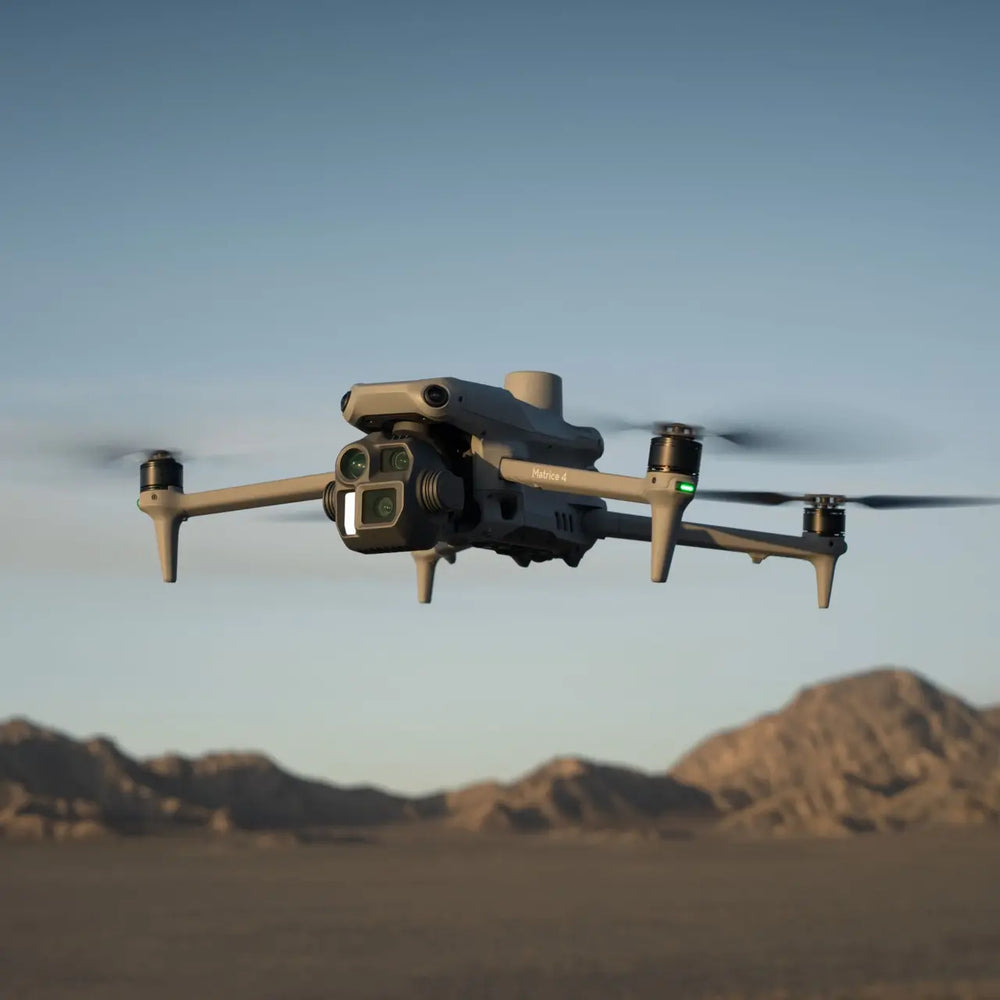
Matrice 4E collects aerial imagery. Four total flight batteries in these DRT packages provide ready-pack options between missions.
DJI × ANKER SOLIX
Matrice 4E captures the site. Extra flight batteries support the next mission. Anker SOLIX brings charging power to your field base.
Existing DRT packages DJI Matrice 4ECapture aerial imagery
 Anker SOLIX C1000 Gen 2Power matching AC chargers
Why these products together
DJI
Matrice 4E collects aerial imagery. Four total flight batteries in these DRT packages provide ready-pack options between missions.
Anker SOLIX
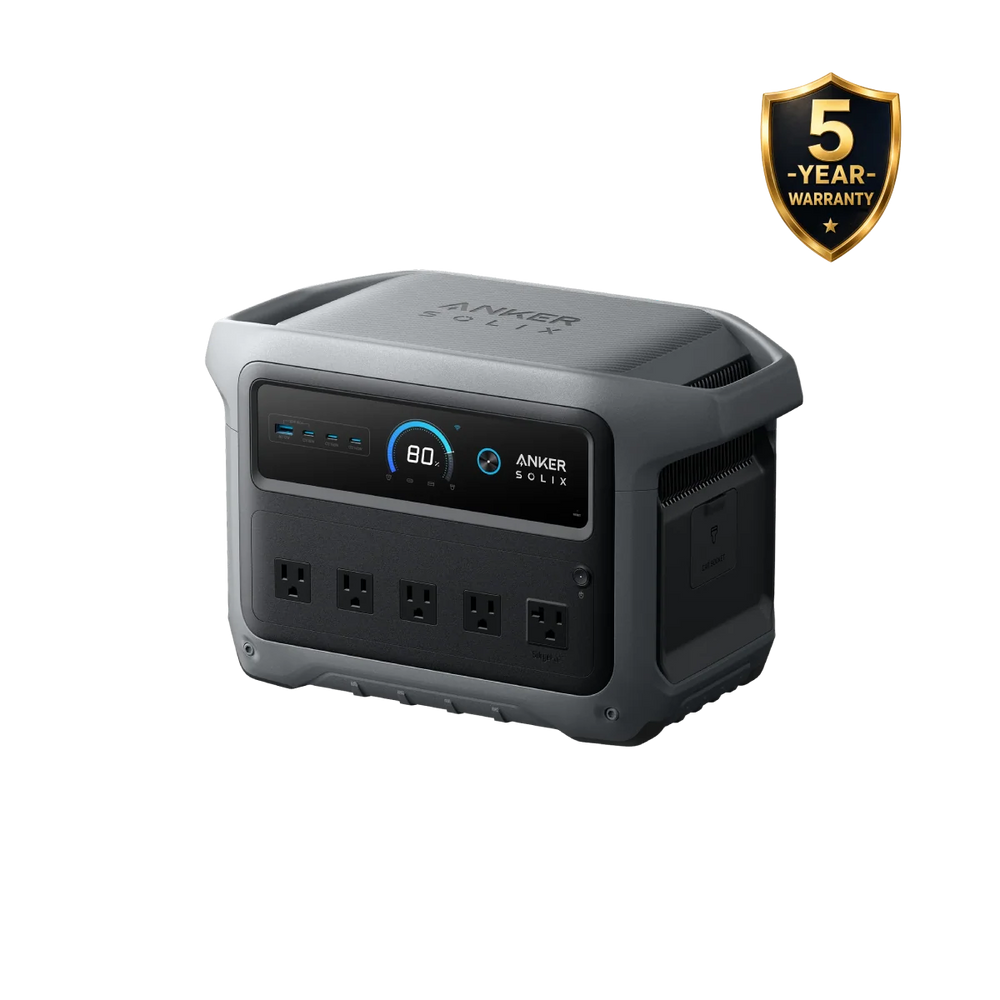
Anker SOLIX supplies AC to matching DJI charging equipment and compatible field electronics when convenient outlets are unavailable.
What the combination gives you
The station powers the original compatible adapter and hub. Flight batteries are changed and charged on the ground.
How the benefit is achieved
Four total flight batteries give you a rotation to work with. Cool and recharge used packs while ready packs support upcoming missions.
How the benefit is achieved
Anker SOLIX supplies AC to the original compatible DJI charger, reducing dependence on a nearby building or vehicle outlet.
How the benefit is achieved
Power a compatible laptop at the site to inspect captured files and coverage while returning to the area is still practical.
The combination, explained
Illustrative workflow
Fly the planned coverage, swap to a ready pack when needed, and recharge used packs at the staging area. Review image coverage on your laptop before leaving so you can decide whether another pass is needed.
Mapping crews visiting undeveloped land, construction sites and locations with limited access to AC power.
Already have the aircraft? Review your existing batteries, adapter and hub first. You may only need portable power or additional flight batteries.
Explore the setup
Both include Matrice 4E and three extra flight batteries. Choose the station around the energy you need and the loads you will run.
| What matters | C1000 Gen 2 kit | S2000 kit |
|---|---|---|
| Stored energy | 1,024Wh | 2,010Wh |
| Rated AC output | 2,000W | 1,500W |
| Flight batteries | 4 total: 1 standard + 3 extra | 4 total: 1 standard + 3 extra |
| Choose when | A compact 1kWh setup and higher rated AC output fit the job. | More stored energy is the priority and the combined load stays within 1,500W. |
| Current package price | $6,099.00 USDView package ↗ | $6,199.00 USDView package ↗ |
Wh describes stored energy; W describes supported load. More Wh does not make the DJI charger faster. Actual recharge count depends on battery state, losses and other equipment.
Workflow illustration
Set the capture area, required output, control and correction needs.
Fly the mapping mission and rotate ready flight batteries.
Use station AC → original compatible DJI adapter → matching charging hub → flight battery.
Check coverage on your laptop before leaving; process with suitable mapping software.
Existing DRT packages
The selected bundle product page controls the final contents and price. Compare the compact C1000 Gen 2 option with the S2000 option before ordering.
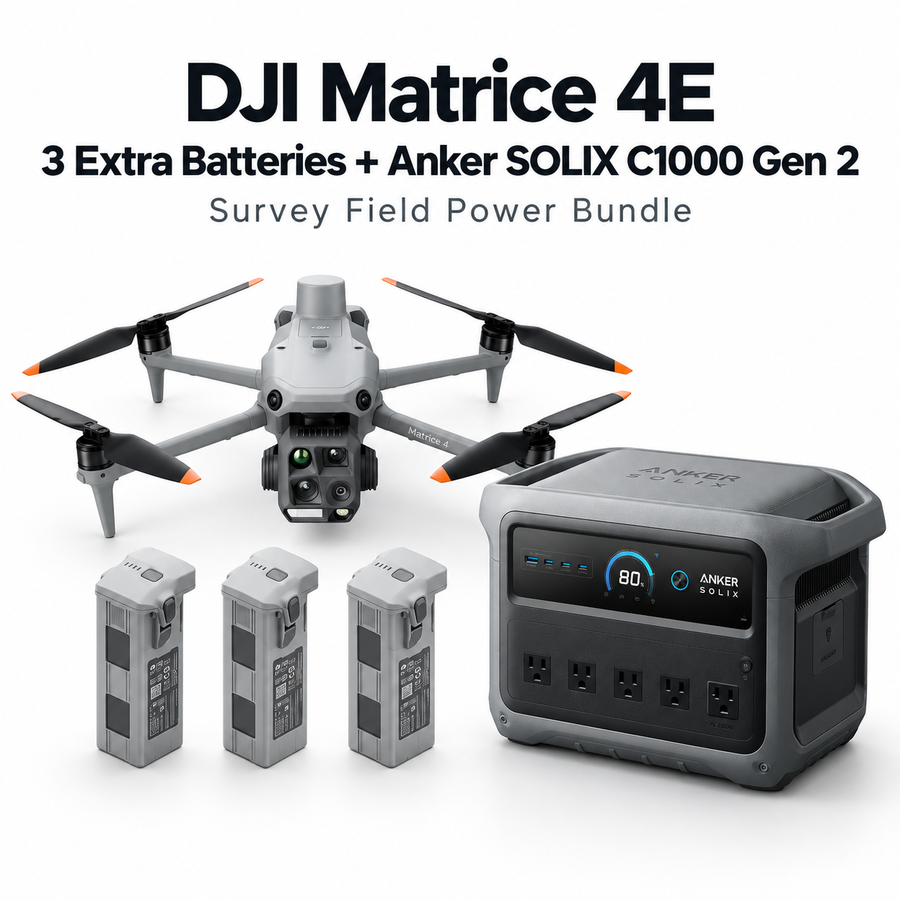
Drone Robotics Tech
For crews prioritizing a compact 1kWh station and a higher rated AC output.
$6,099.00 USD
View configuration & contents ↗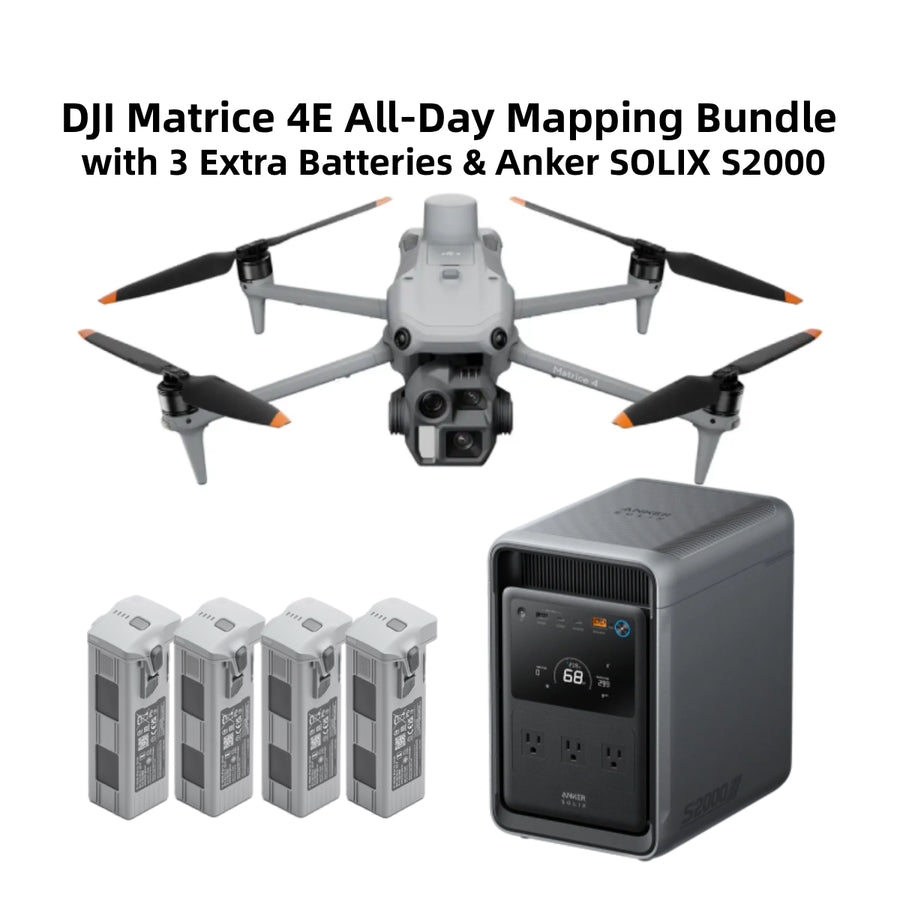
Drone Robotics Tech
For crews prioritizing more stored energy for compatible loads within 1,500W.
$6,199.00 USD
View configuration & contents ↗Review setup and compatibility
No. Extra packs support battery rotation between flights; the station powers compatible charging equipment on the ground.
C1000 Gen 2 offers 1,024Wh with a 2,000W rated output. S2000 provides 2,010Wh with a 1,500W rated output. Choose by both stored energy and the combined load.
They depend on the selected package and project. Confirm processing software, correction access and any control requirements before ordering.
DRT SOLUTION PLANNING
Share your current equipment and the problem you want to solve. We will review the missing pieces and the configuration for your work.
888-356-6818